Security products are critical tools for keeping users safe. However, designing a secure product is not enough. Aesthetics and functionality play a vital role in creating a successful user interface (UI) design. A well-designed UI can enhance the user experience and increase the adoption of security products. In this guide, we will explore how to create a UI design that balances aesthetics and functionality for security products, ensuring that they are both visually appealing and easy to use while providing the highest level of security for users.
As technology continues to evolve, the importance of designing secure products becomes increasingly important. However, creating a functional product is not the only consideration. Balancing aesthetics and functionality are also important, especially when it comes to user interface (UI) design.
Understand Your Users
The first step in creating a UI design that balances aesthetics and functionality is to understand your users. Who are they? What are their needs and expectations? What features are most important to them? By understanding your users, you can identify pain points and opportunities to improve the design. This information can guide the design process, ensuring that the most critical features are highlighted and placed in an intuitive and easy-to-use location.
Keep it Simple
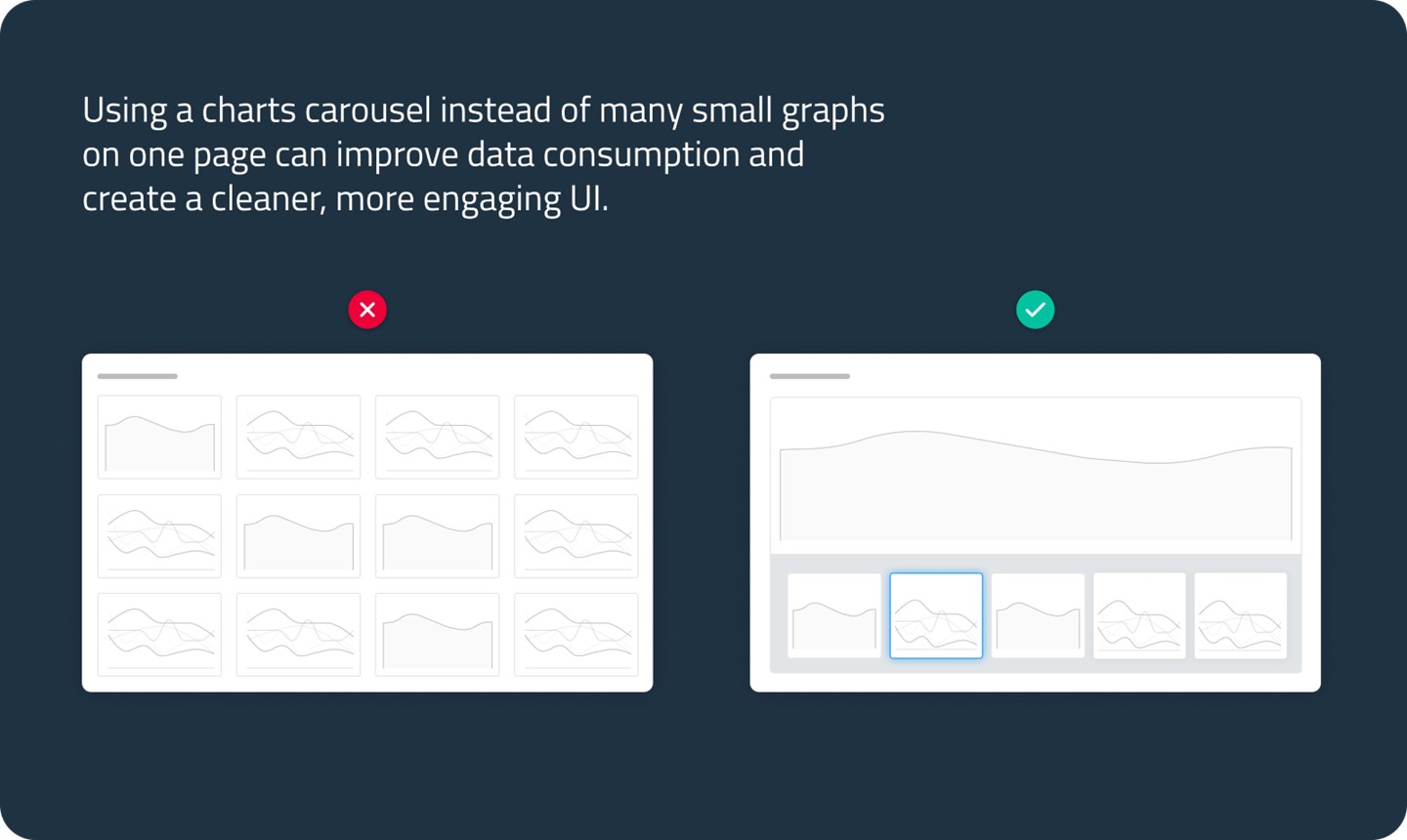
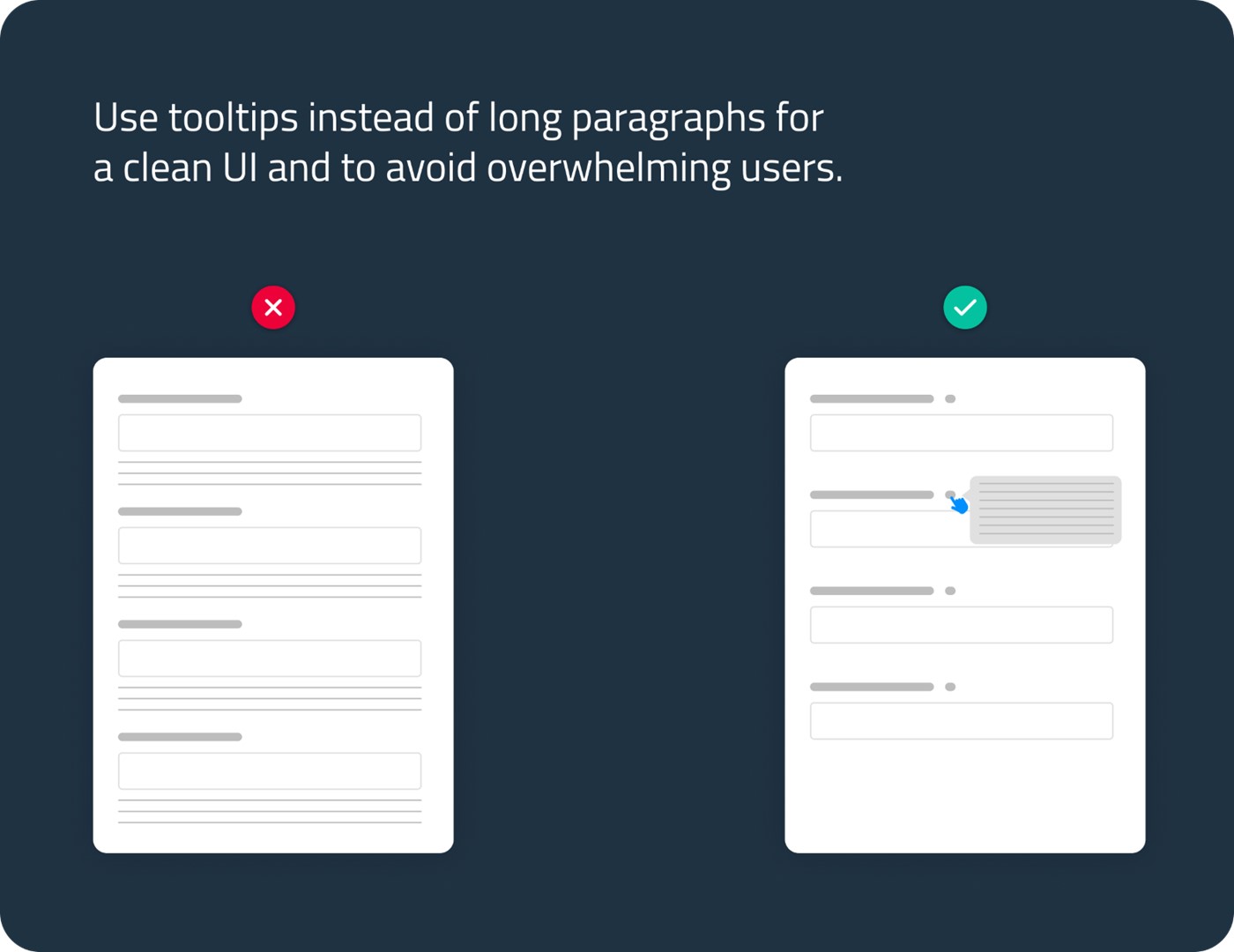
When it comes to UI design, simplicity is key. A cluttered or complicated interface can be overwhelming and confusing to users. Simplify the design by using clean lines, clear fonts, and a limited color palette. Use intuitive icons and avoid using jargon or technical terms that might confuse users. Tooltips can be an effective way to provide additional information to users without cluttering the UI design. By using tooltips, designers can include explanations or technical terms that may be important for users to know without overwhelming them.
Emphasize Security Features
Security is the primary concern of a security product. Therefore, it’s essential to emphasize security features in the UI design. Use clear and concise language to explain security features and how they work. Highlight security features in the design, so they are easy to find and use. It's also crucial to ensure that users understand how to configure and use these features. This can be achieved by providing clear instructions and explanations of how to set up and use security features.
Create a Consistent Experience
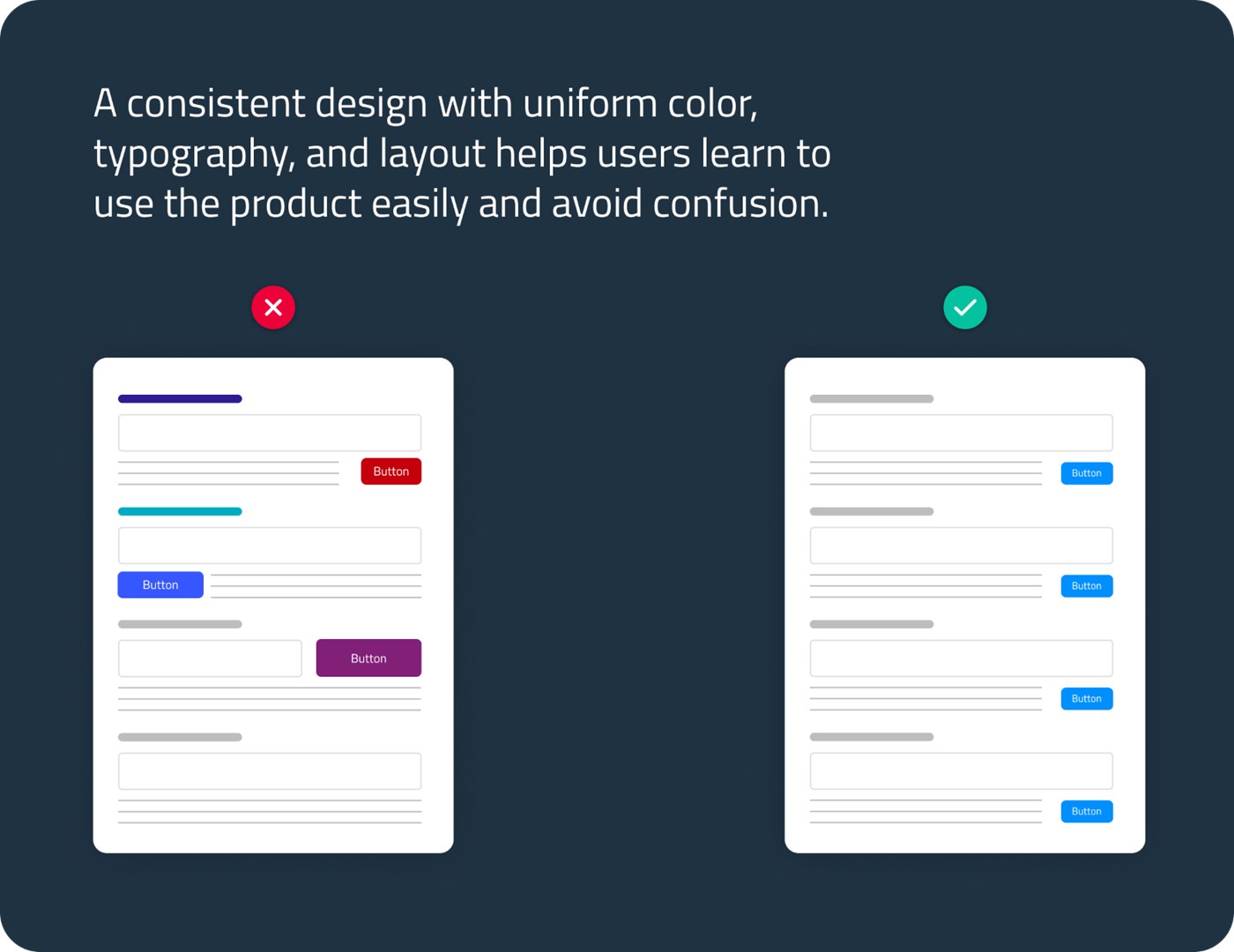
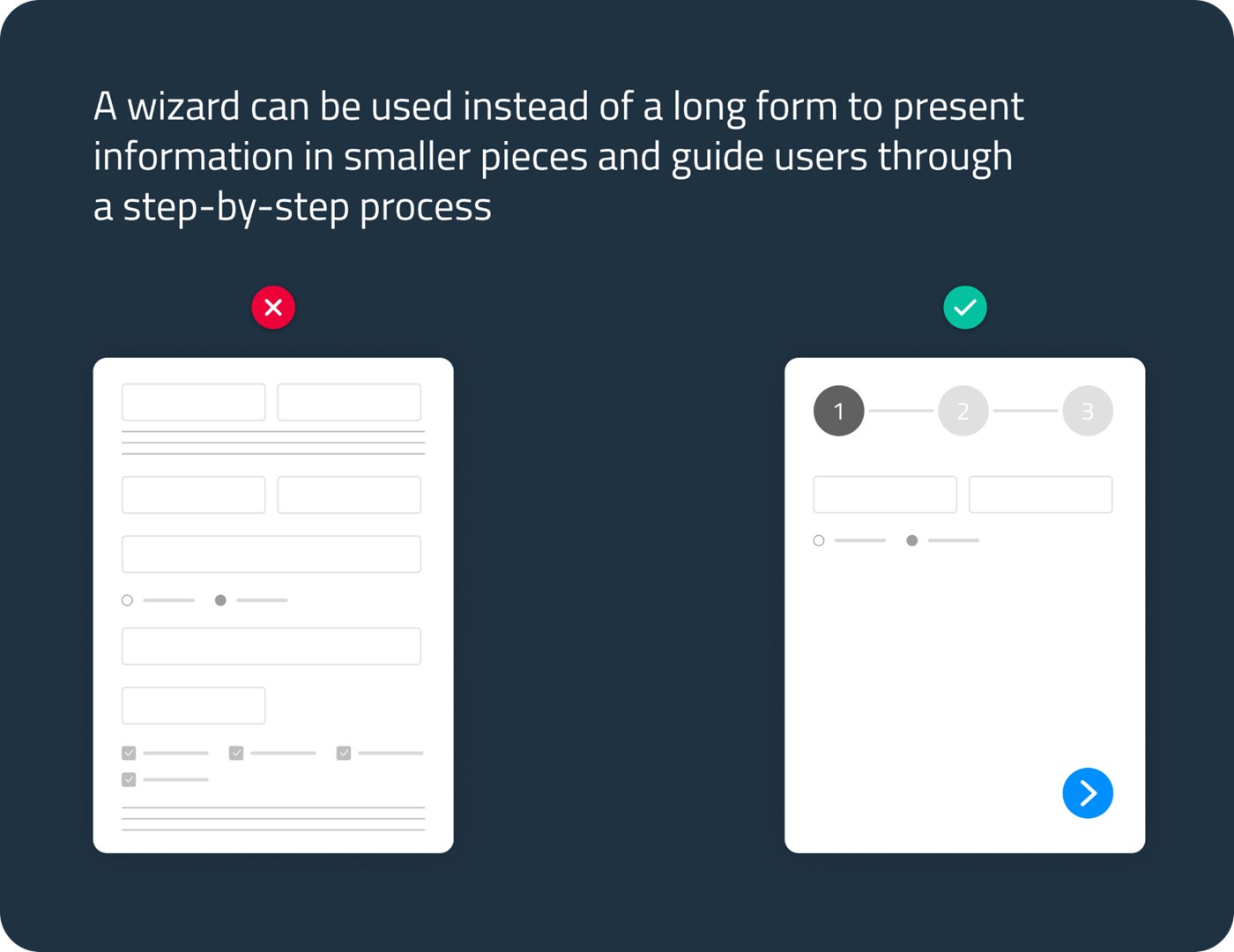
Consistency is key to a great UI design. Use a consistent color palette, typography, and layout throughout the design. Use the same icons and buttons across the product, so users can quickly learn how to use the product. Consistency creates a sense of familiarity and helps users feel comfortable using the product.
In conclusion, balancing aesthetics and functionality is essential in creating a secure, user-friendly UI design for security products. By understanding your users, keeping the design simple, emphasizing security features, and creating a consistent experience, you can create a UI design that is both visually appealing and easy to use while ensuring the highest level of security for your users.
To learn more about Radware's Cyber Controller and SecOps go to the Radware website, register and search for "Cyber Controller"